
Analytics
Analytics that tell you what to do next. Track reach, engagement and follower growth per channel — iPlanr spots what works and reveals your best times to post, top formats and content gaps.
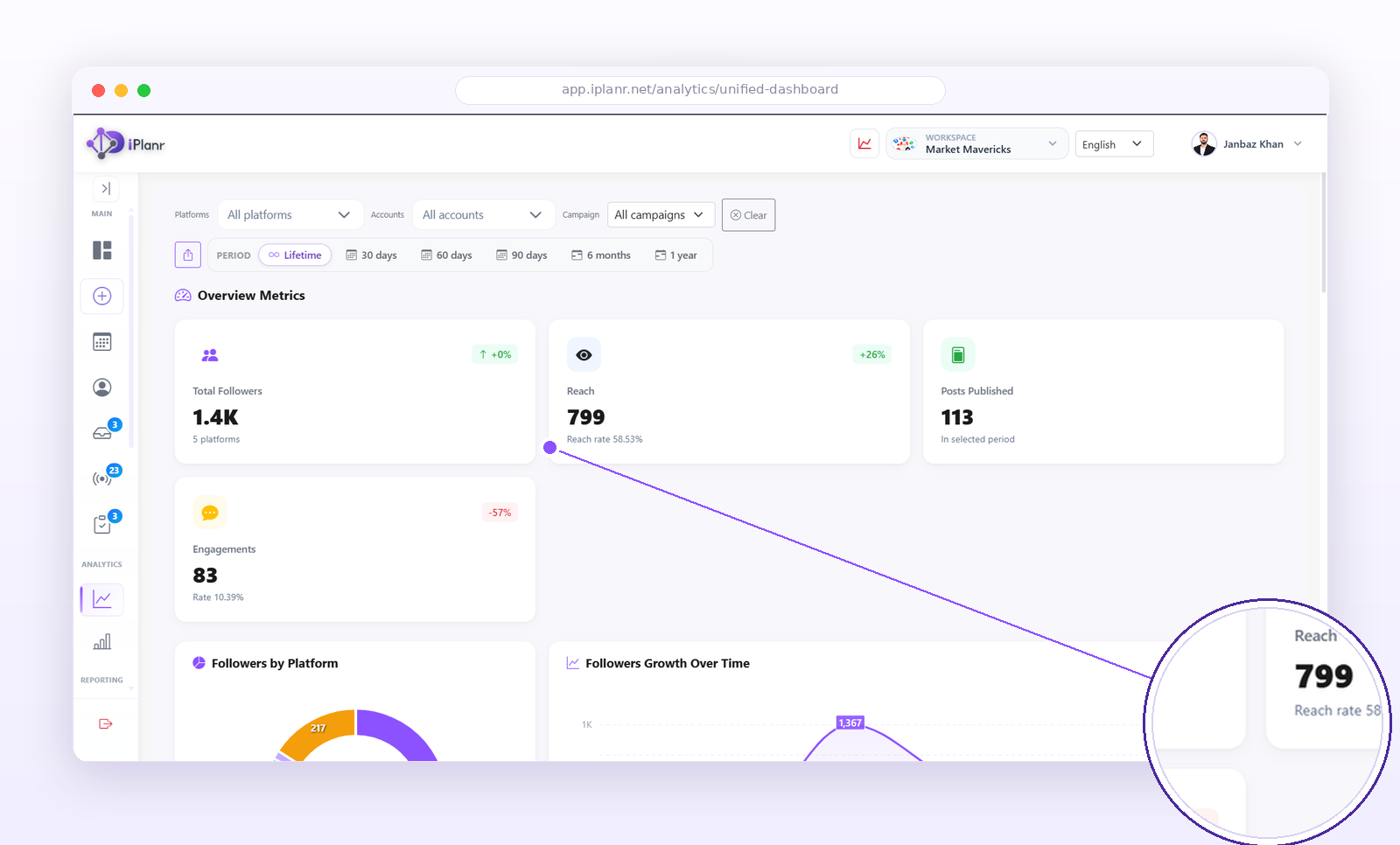
What you can measure
| Metric | Tells you |
|---|---|
| Reach & impressions | How many people saw your content. |
| Engagement | Likes, comments, shares, saves — what resonated. |
| Follower growth | Whether your audience is compounding. |
| Best times | When your audience is actually online, per channel. |
| Top formats | Reels vs carousels vs static — what wins for you. |
| Content gaps | Topics and formats you’re underusing. |
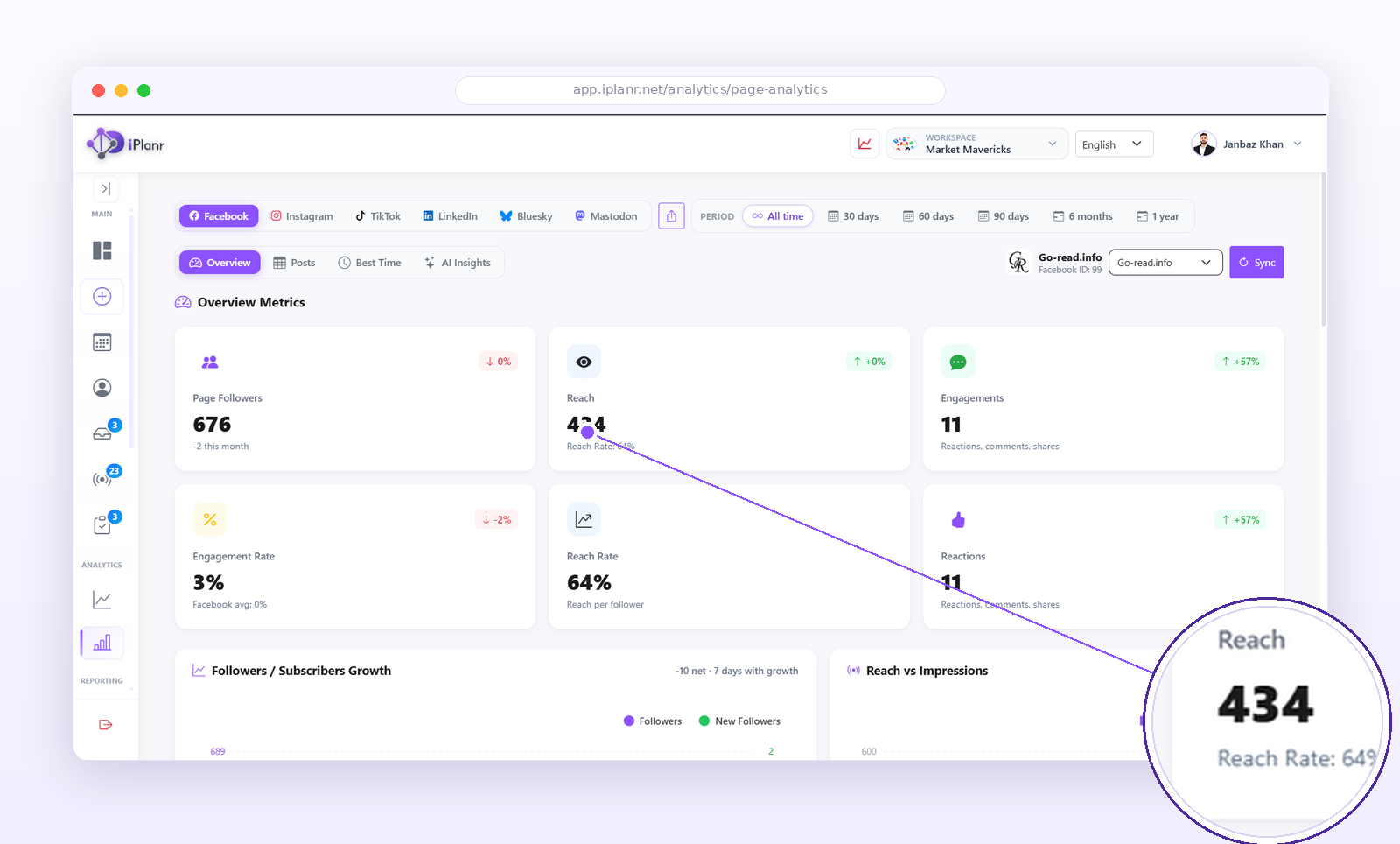
Per-account drill-down
Zoom from the unified dashboard into any single account. Page analytics breaks down followers, reach, engagement rate and reactions per profile, so you can see exactly which account is pulling its weight.
Using best times
- Open Analytics from the main navigation.
- Review the best-time recommendations per channel.
- Apply them when scheduling — or let iPlanr auto-pick the slot.
- Re-check monthly; audiences shift.
Reading the data like a pro
- Compare like with like — reels vs reels, not reels vs text posts.
- Watch saves and shares — they predict reach better than likes.
- Give it 48 hours before judging a post’s performance.
- Track weekly trends, not daily noise.
Tip: Turn your monthly numbers into a white-label client report in one click with Report Studio.
FAQ
How far back does analytics go?
From the day you connect each channel. Historical data before connecting isn’t available.
Can I export the data?
Yes — export charts and tables, or generate a full client report in Report Studio.