
Unified inbox
Every comment, DM and mention from all your networks lands in one social inbox. Assign, reply and resolve as a team — no conversation ever slips through.
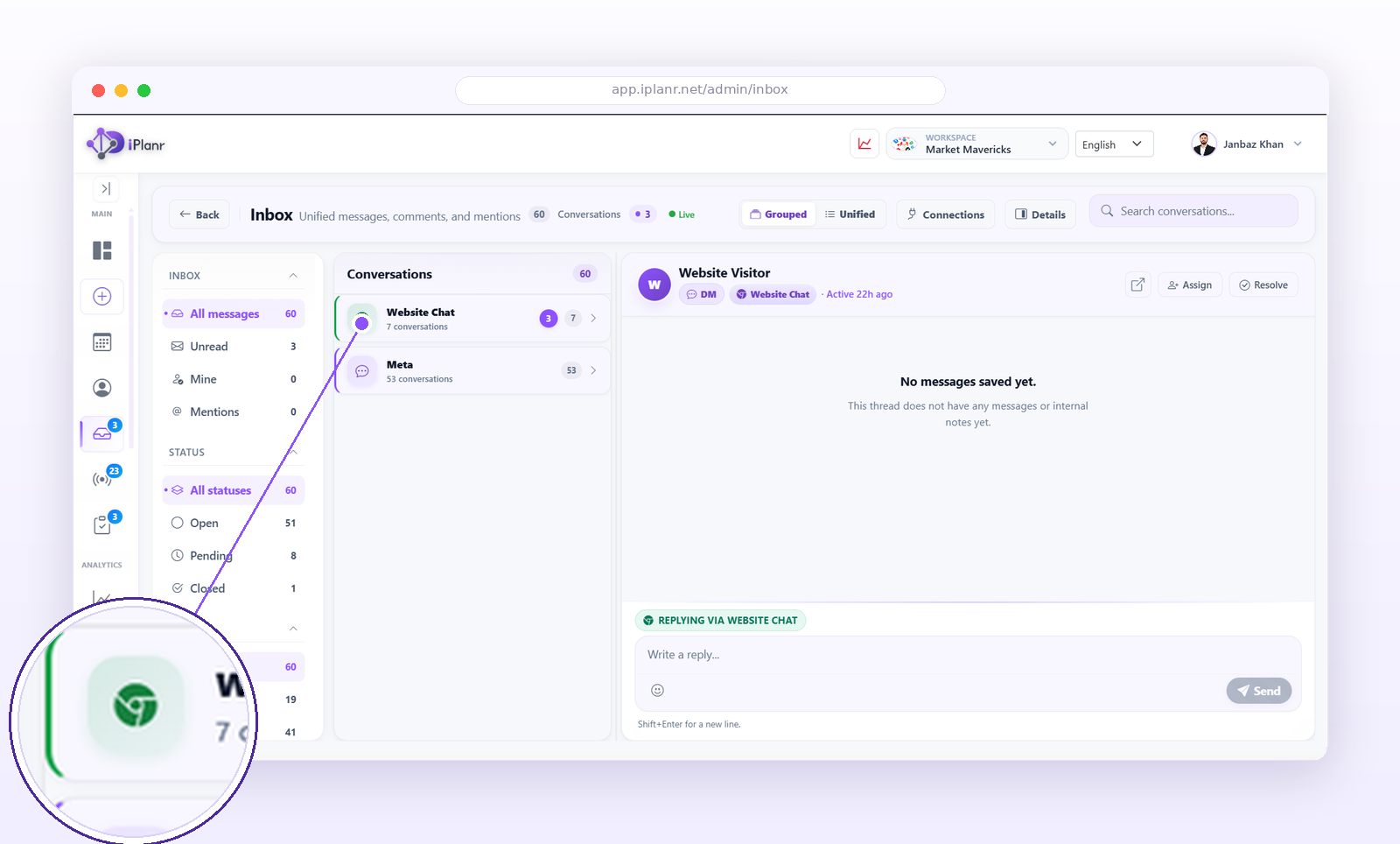
What lands in the inbox
- Comments on your posts across every connected channel.
- Direct messages and mentions.
- Reviews where supported by the network.
- Brand listening hits you choose to route here.
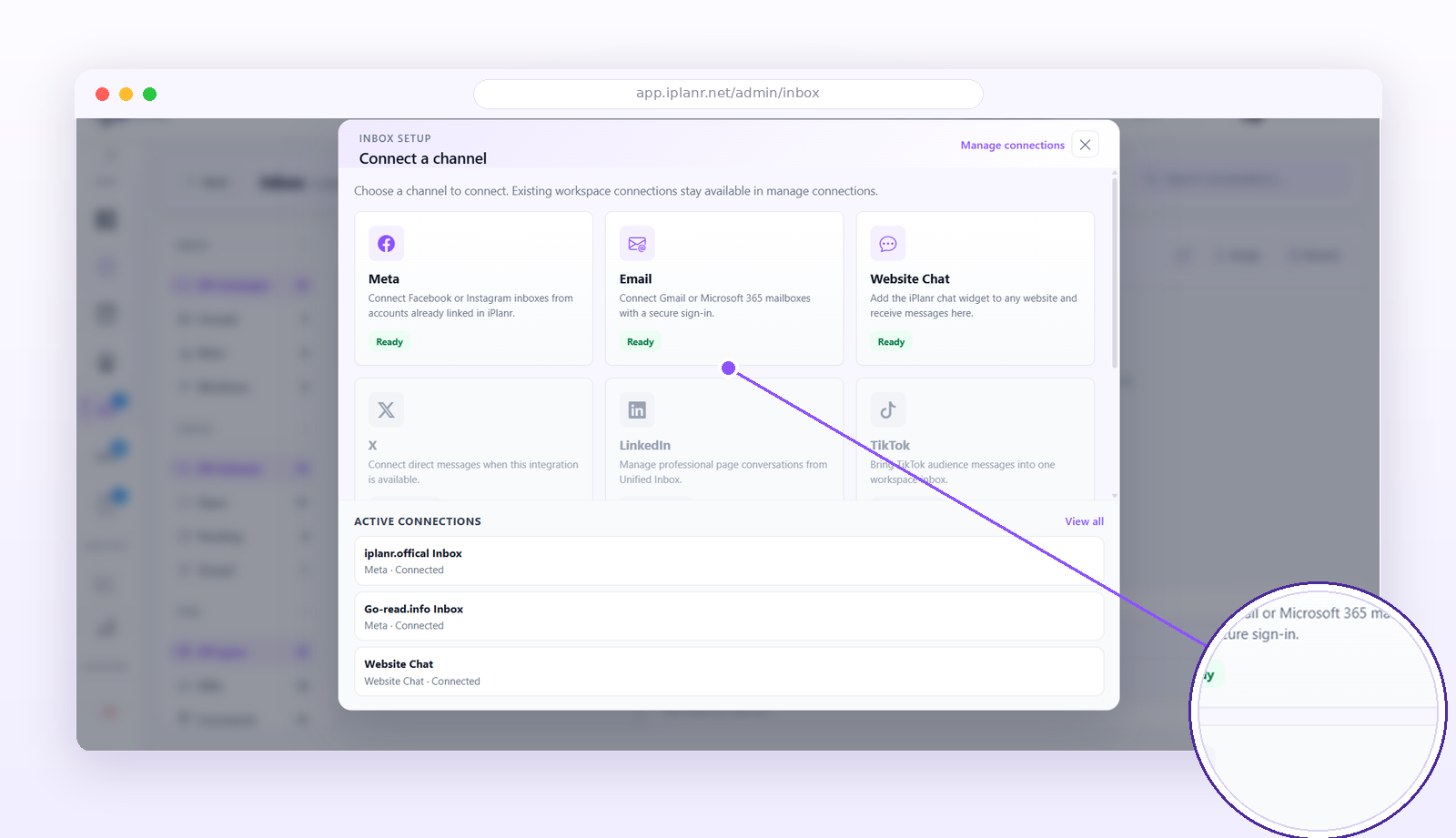
Connecting inbox channels
Before conversations can flow in, connect each channel once from the inbox setup — social networks, email and website chat all feed the same unified stream.
Working as a team
- Open the Inbox to see all conversations in one stream, newest first.
- Filter by channel, unread, assigned or flagged.
- Assign a conversation to a teammate with one click.
- Reply directly — the response goes out on the original channel.
- Mark resolved to keep the inbox at zero.
Saved replies
Create templates for common questions (pricing, hours, links) so the team answers fast and consistently. Personalize before sending — templates are a starting point, not a script.
Tip: Aim for inbox zero daily. Unanswered comments are the most visible customer-service failure in social media.
FAQ
Do replies come from my account?
Yes — replies publish as the connected social account, exactly as if you’d replied natively.
Can I hide or delete comments?
Where the network allows it, moderation actions are available from the conversation menu.